Item Added to Basket


SwitchIt! Maker 2
£79.00
Available for VAT relief
Product Code (SKU)
SwitchIt! Maker 2
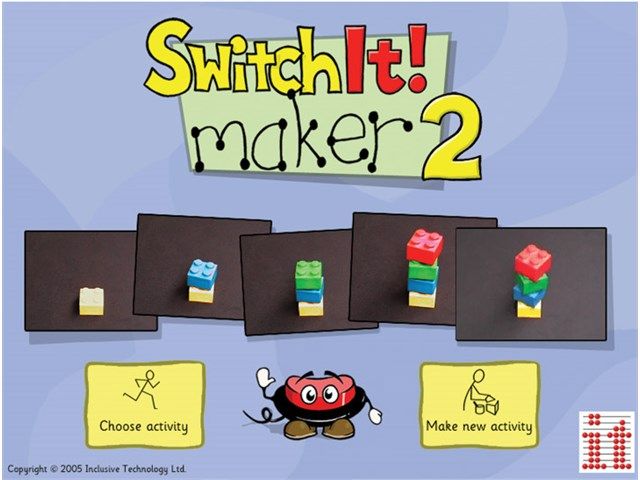
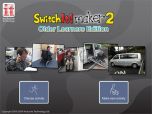
SwitchIt! Maker 2 will turn your text, images, movies and sounds into simple on-screen activities.
Please note: SwitchIt! Maker 2 software is downloadable software delivered via email within 2-3 days of receipt of order.
Read MoreSwitchIt! Maker 2 will turn your text, images, movies and sounds into simple on-screen activities.
Please note: SwitchIt! Maker 2 software is downloadable software delivered via email within 2-3 days of receipt of order.
These activities are automatically accessible using a mouse, whiteboard, touch monitor, keyboard, one or two switches or IntelliKeys. Make talking books starring your pupils, or a slide show of a recent trip. Put that digital camera to good use!
SwitchIt! Maker 2 is especially designed so that children can make activities as part of a lesson. It’s that easy! SwitchIt! Maker 2 first asks you to choose a layout for a new page - do you want words with a picture, or just a picture? Then add an image or some video. Type in the text using your keyboard or the on-screen keyboard (great on an interactive whiteboard), then add some voiceover or load some music. That’s it! Export and import features let you transfer your activities to other computers or onto CD, etc.
The program also has over 1,500 useful example files, including a selection of PCS symbols from Mayer-Johnson and Rebus Symbols from Widgit, clip-art pictures, sample videos and music. It also allows you to import a wider range of image and sound files than ever before.
Technical Support
- Compatible with: Windows 7 32-bit (not compatible with 64-bit versions of Windows)
- SwitchIt! Maker 2 is now delivered by download (with an activation key).
- MSI installer is available for site licence customers.
- An active internet connection required for installation/activation.
Documentation & Downloads
- SwitchIt! Maker 2 EXE (43.0 MB)
- SwitchIt! Maker 2 Manual (4.0 MB)
- SwitchIt! Maker 2 - Assessment Sheets (74.5 MB)
FAQs / Troubleshooting
Related Products