
Item Added to Basket


 100 Days Returns Policy!
  VAT Relief Available
  Price Match Policy
  Need Help? Call us on +44 (0)1457 819790




Latest News & Articles
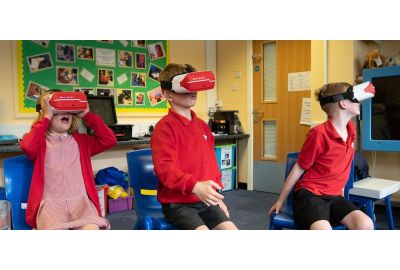
Virtual Reality in Special Education
Jacob used Inclusive ClassVR as part of a group of students. His speech was unbelievable, he used a wide range of vocabulary when describing what he could see. Using words that we had never witnessed before.
Read more
Loading...
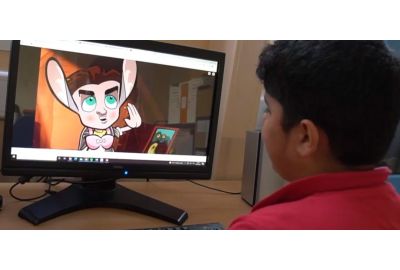
Inclusive Stories in the Classroom
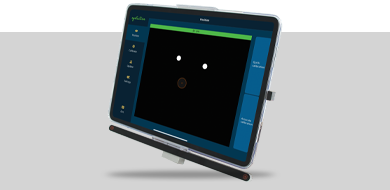
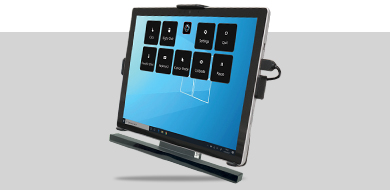
Inclusive Stories is used regularly to deliver cause and effect activities, accompanied with sensory props outlined in the lesson ideas and delivery guidance resources to provide greater stimuli.
Read more
Loading...
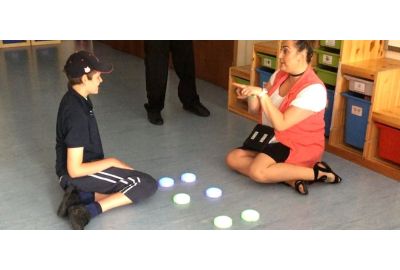
Music Therapy at Cricket Green School
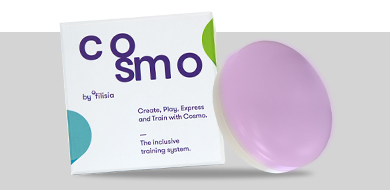
Cosmo is fantastic! I can’t say enough positive things about it. It’s really helping the students to develop their turn-taking skills, to work together, and to have the opportunity to give directions to the rest of the class.
Read more
Loading...
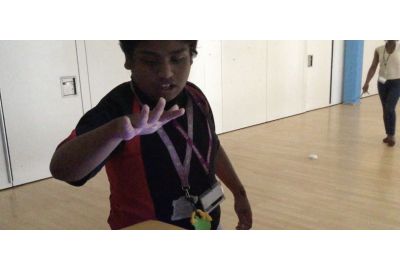
Cosmo at Swiss Cottage School
Read more
Loading...